
Playing / Stopping Sounds
Playing Sounds
Sound records can be triggered to begin playback in a number of ways.
Stopping Sounds
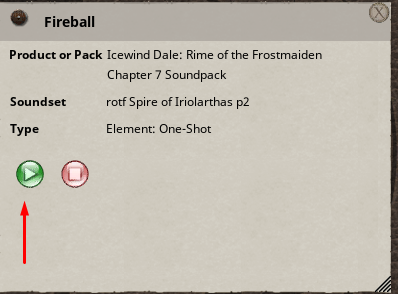
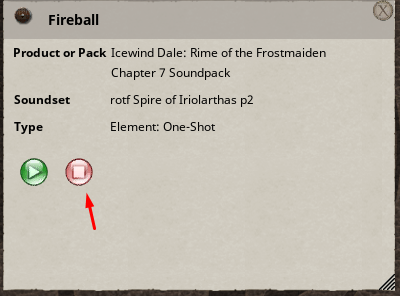
Sounds can be stopped individually or globally. Each sound record has both a Play and a Stop button. Pressing the Stop button will stop playback of that individual sound without affecting other sounds currently playing. The Stop button may also be dragged and linked in the same way that the Play button can.
Stopping All Sounds
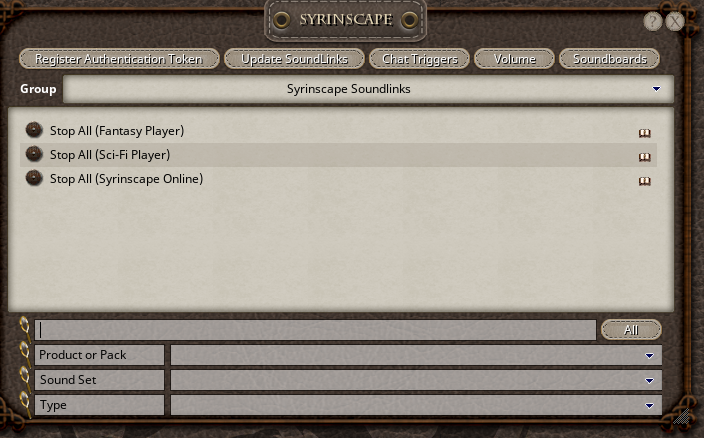
The Sound Links module includes 3 special sound records that can be used to stop all sound playback. These special sound records are titles "Stop All". You should only use the Stop All record corresponding to the Syrinscape Player type being used. The easiest way to find the Stop All sounds is to use the Group Dropdown at the top of the Syrinscape Window. Select "Syrinscape Soundlinks". For these sound records, both the Play and Stop buttons work exactly the same, and either can be used to stop all sound playback.
Note: Syrinscape does not instantly stop all playback, instead it fades the sounds away, so there may be some small delay for the actual sounds to stop.